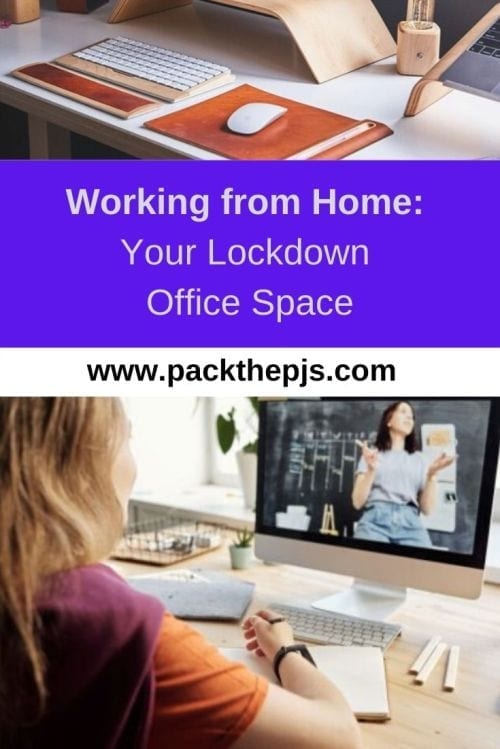
It is an understatement that coronavirus has changed our lives considerably. Many workers are now having to work from home, while others have been furloughed. Having worked predominantly from home for the last 20 years, I want to share with you some tips that have worked for me. Working from a home office space can be a challenge. You need to look after your mental, emotional, and physical health while trying to manage the challenges of working productively from a remote location.
Your workspace
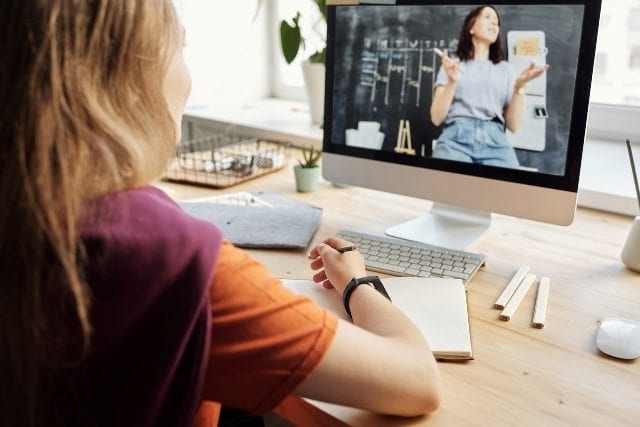
A work space that is clean, dust free and uncluttered is a good starting point. Ideally you are able to reassign a spare room into your working space, or can find a quiet corner of your home to be your new office. We are lucky in that we have a garden office, which is great during the summer months, but dull and cold during winter. With the children being home too we decided to move indoors, so we could all work together. In the main, this has worked. We have our computers set up on our dining table, with table space for notebooks/pen pots etc. It is kept tidy, and we work together/take lunch together etc.
So, let’s discuss the specifics that will help you successfully work from home.
Comfort
Comfort is key. You need to take time to set up an ergonomic home office.
Bad posture is the enemy, so the first thing you need to consider is a good office chair. This is essential if you have to sit for long periods during the working day. However, the time sitting needs to be broken up by standing and walking around if possible.
There is also a need for regular planned breaks to give both mind and body a rest and a new focus. Follow the 20/20/20 Rule. If you work on your computer for prolonged periods, be sure to take a 20 second break every 20 minutes and focus on an object at least 20 feet away. This gives your eyes a rest and is a good way to avoid visual fatigue. And you must also remember the importance of taking time away in a mental sense. There is a reason we spend time idly scrolling the internet or playing on wongagames, and that is because it is good for us to stop thinking about our work. A mental break, even if you are still at the computer, is okay. Just make sure you don’t overdo the break and start making excuses.
Desk layout
When sitting at your desk you need to have everything you use regularly within arm’s length. Your monitor should be centred and tilted slightly upward. The top of the screen should be level with your eye level; you might need to invest in a level adjuster for your monitor. (Or lift it up with some books.) In any case, depending upon the size of the screen, you need to position it so that you don’t need to tilt your head to look at the screen. In addition, you don’t need glare on the screen so you might need a screen filter.

Room light
Select a spot for your desk where natural light is your primary light source. If your set-up is near a window you can also let fresh air circulate, which is even better. In winter time a good source of white light is a good idea to reduce the effects of seasonal affected disorder.
A good office lamp is also needed, but nothing that will glare on your screen. Get a lamp that fits with your workstation and allows you to work without eyestrain. Remember, you don’t need glare from windows or lights on your computer screen.
Your posture
As already mentioned, choose an office chair that supports your body. The right chair can help you concentrate better and increase your body’s ability to handle stress. You could also invest in a footrest as this can help you achieve better posture and also move your lower legs to promote better circulation. Seriously, you do need to move your body. Research shows that for each hour worked, you should spend 30 minutes standing.
CASE STUDY: Sit/Stand Desk
You should consider whether you have space for a height-adjustable desk. This means that you can make the choice and change your working position from standing to sitting and back again. You can also invest in some anti-fatigue mats when standing up to help your circulation and reduce leg tiredness. In my experience, standing desks can be difficult to get used to. You might be better switching between standing and sitting for different periods throughout the working day. For example, if you have a morning meeting you might choose to stand as you are fresh and dynamic while talking to colleagues. Whereas, a period of administration work might require a closer focus on the computer monitor and so you choose to sit.
An afternoon client meeting might require a lot of note taking and so you can use the standing desk in either position. A more informal meeting with customers or client might allow you to use a hands-free Bluetooth headset to move around your home office. Towards the end of the day and during a period of concentration you might want to sit again in a comfortable office to get some e-mailing or admin finished. My point is that you should vary the working position throughout the day.
The VariDesk Laptop 30 and the VariDesk Active Seat Basic are just part of the range that Vari.com promote as ergonomic office equipment. The Active Seat gives the option of perching and keeping active, especially with the addition of the active mat or a foot rest.

Vari offer a range of desktop converters that can allow you to have your monitor at the correct level. We have used our VariDesk Laptop 30 throughout the lockdown period … even when working on the sofa…

The key is to allow and encourage a variety of working positions – seated, standing, perching. Keep moving.
Desk organising
Don’t clutter! If you need to keep papers/letters, file them away as soon as you can. Keep your pens in a pen pot, and any pencils sharpened and in the same. Organisation is key. At the end of each day, leave your desk tidy, ready for the next one.
Noise management
With four people working on different tasks in the relatively confined space of our ‘dining room office/classroom’, there are times when noise has interfered with the concentration of others. I make a lot of video calls; the others need to remain quiet – while I’m disturbing them with my talking. The children’s schoolwork often requires listening to some video link, several times over. This doesn’t help the rest of us to concentrate on what we’re doing. At these times, the ‘noisy one’ moves to different room.
If you are the sole person working from home, then try to locate your office space away from the TV and main walking routes through the home. Have the radio on quietly in the background – an in-tune radio is a must in our office!
Finally
Working from home can be lonely. You may prefer to bounce ideas off other people or just simply socialise while you work. Being remote you may be far away, but with modern digital technology there are excellent ways to communicate. WhatsApp, Messenger, Skype, Zoom, Houseparty … the old-fashioned telephone! The children are even keeping in touch with friends via their gaming consoles. Set a time with your friends, and arrange a virtual coffee catch up on zoom or WhatsApp video call – we all need a break from the computer screens. Communication in the modern age allows a huge range of possibilities. Use it, when you’re unable to socialise in person. Even when you are working from home, you are not alone.